
How to Use the HC-SR04 Ultrasonic Sensor with Arduino
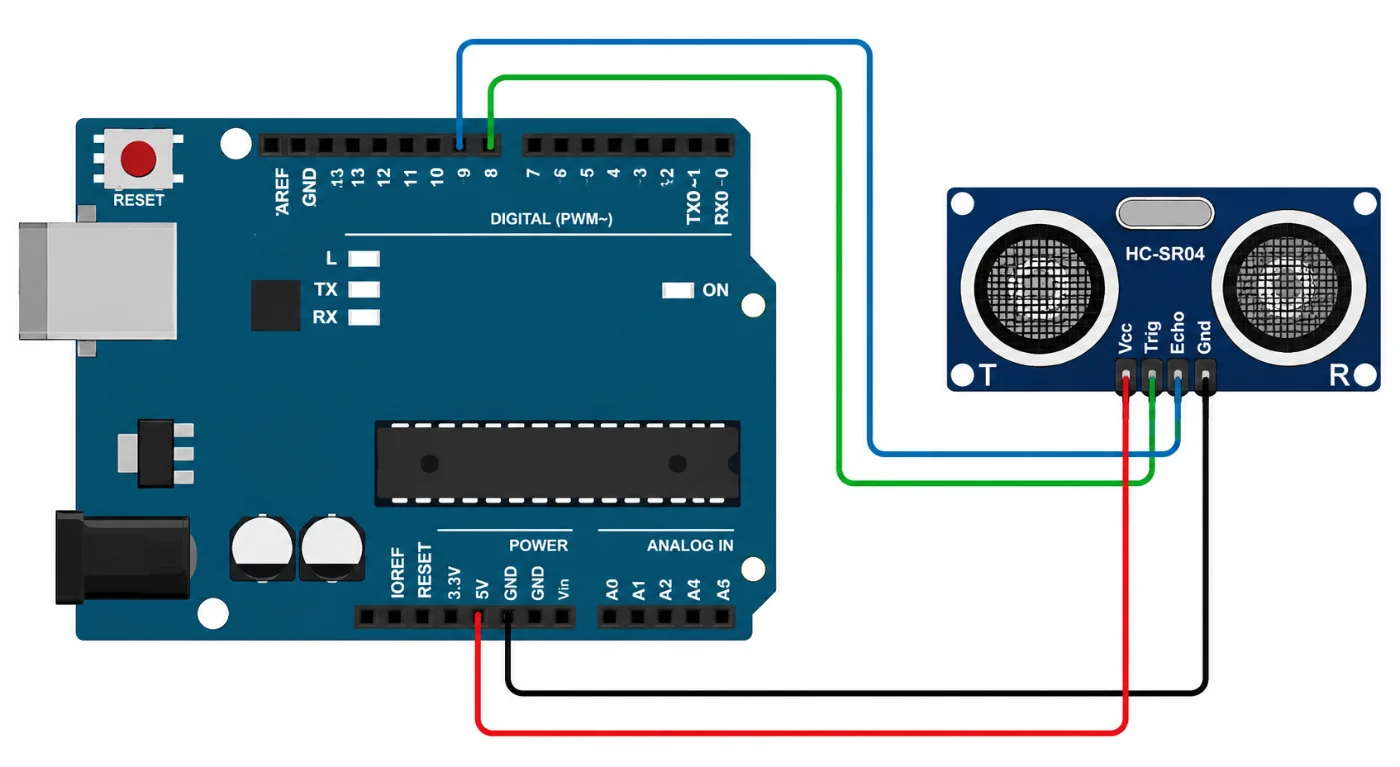
How the Sensor Works
The HC-SR04 ultrasonic sensor uses the same basic principle as sonar to determine the distance between the sensor and an object. Its operation can be summarized as follows:
Sending the Ultrasonic Pulse: The sensor contains a transmitter and a receiver. When a signal is applied to the Trig pin, the transmitter emits a short burst of ultrasonic sound waves.
Sound Wave Travel: The ultrasonic waves travel through the air until they encounter an object. The waves then bounce, or reflect, back toward the sensor.
Detecting the Echo: The receiver detects the reflected waves through the Echo pin. The sensor measures the amount of time between sending the pulse and receiving its reflection.
Determining the Distance: The measured travel time is used to calculate the distance to the object. Since sound travels through air at approximately 343 meters per second, the distance can be calculated using: Distance = (Speed of Sound × Time) / 2
The speed of sound in air at about 20°C is approximately: 343 m/s
That is equivalent to: 343 meters per second 34,300 cm/s 0.0343 cm/µs
That's why your HC-SR04 calculation uses:
distance = duration * 0.0343 / 2;
The result is divided by 2 because the measured time represents the sound traveling from the sensor to the object and back again.
This process takes place very quickly and can be repeated continuously, allowing the HC-SR04 to provide near real-time distance measurements.
const int trigPin = 8;
const int echoPin = 9;
long duration;
int distance;

void setup() {
  Serial.begin(9600);
  pinMode(trigPin, OUTPUT);
  pinMode(echoPin, INPUT);
}

void loop() {
  digitalWrite(trigPin, LOW);
  delayMicroseconds(2);
  //Send a pulse
  digitalWrite(trigPin, HIGH);
  delayMicroseconds(10);
  digitalWrite(trigPin, LOW);
  //Read duration in microseconds
  duration = pulseIn(echoPin, HIGH);
  Serial.println(duration);
  distance = (duration * 0.0343) / 2;
  Serial.println(distance);
  delay(3000);
}
Browse our full catalog of Arduino boards, sensors and components.
Reviews
★★★★☆ 4.0 average from 1 review
More tutorials
 Beginner
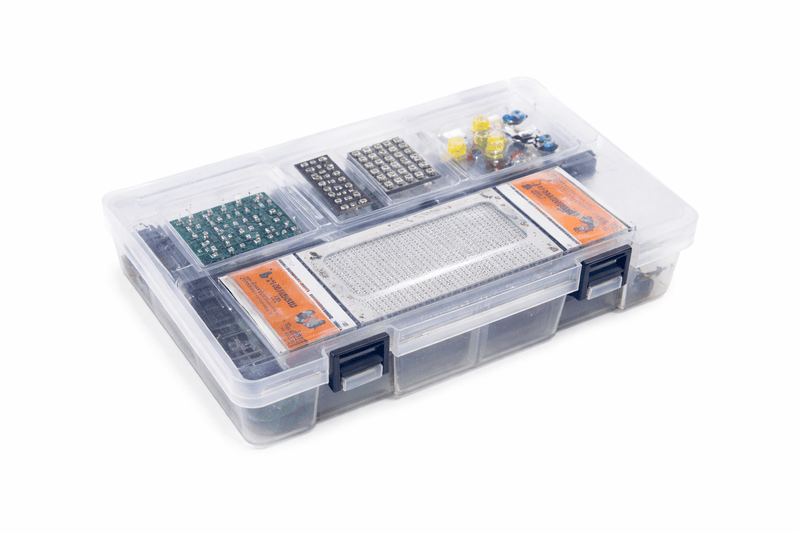
 What an Arduino actually is, which board to buy first, the handful of parts worth owning from day one, and the projects to build in your first month.
 Beginner
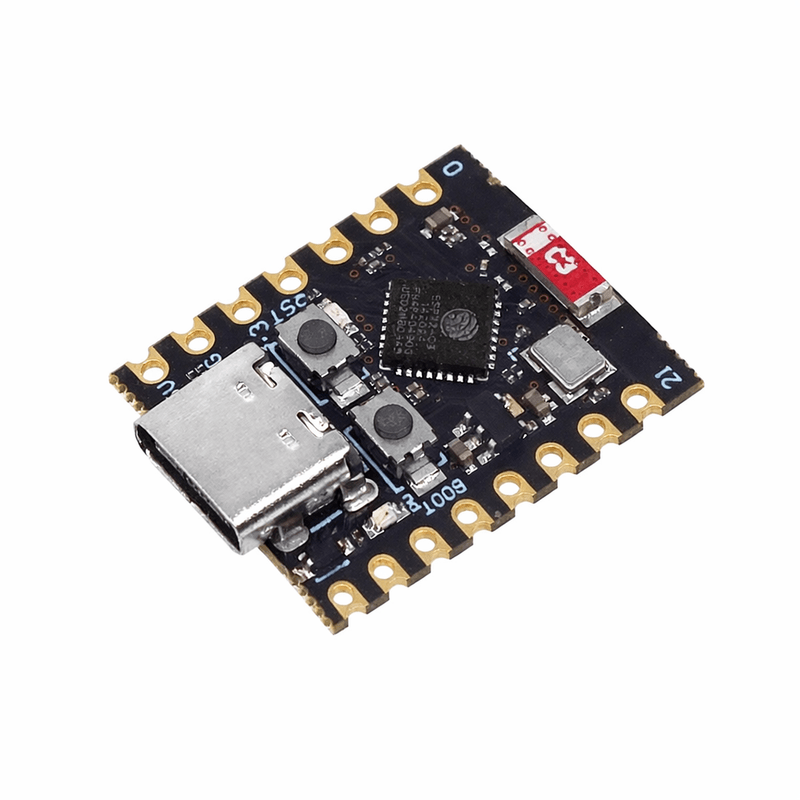
 An honest comparison of the two most common boards, and a clear rule for choosing between them.
 Intermediate
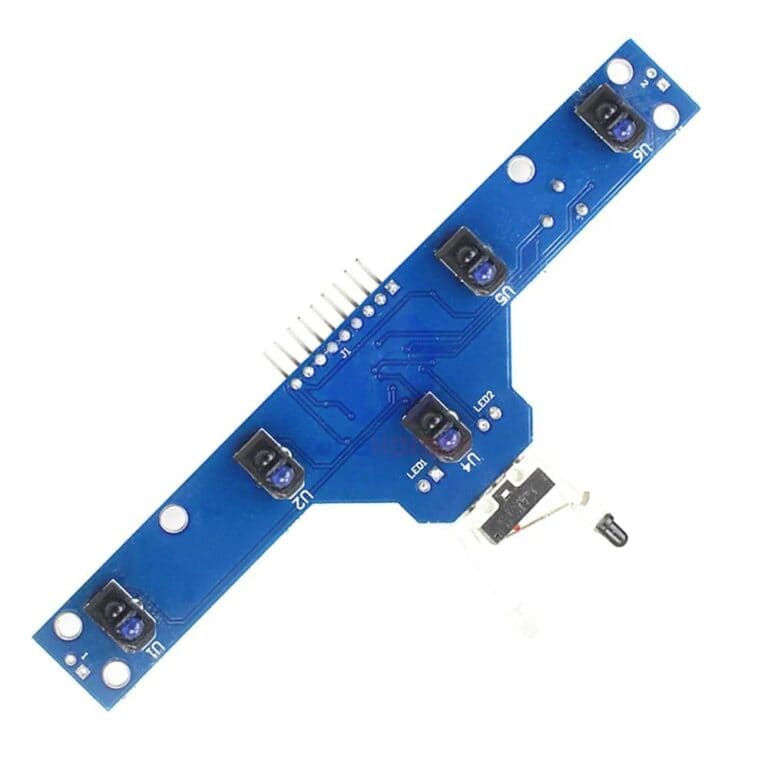
 Project ideas grouped by difficulty, with the parts each one needs and an honest note on where students usually get stuck.