ESP32 vs Arduino Uno: Which Board Should You Buy?
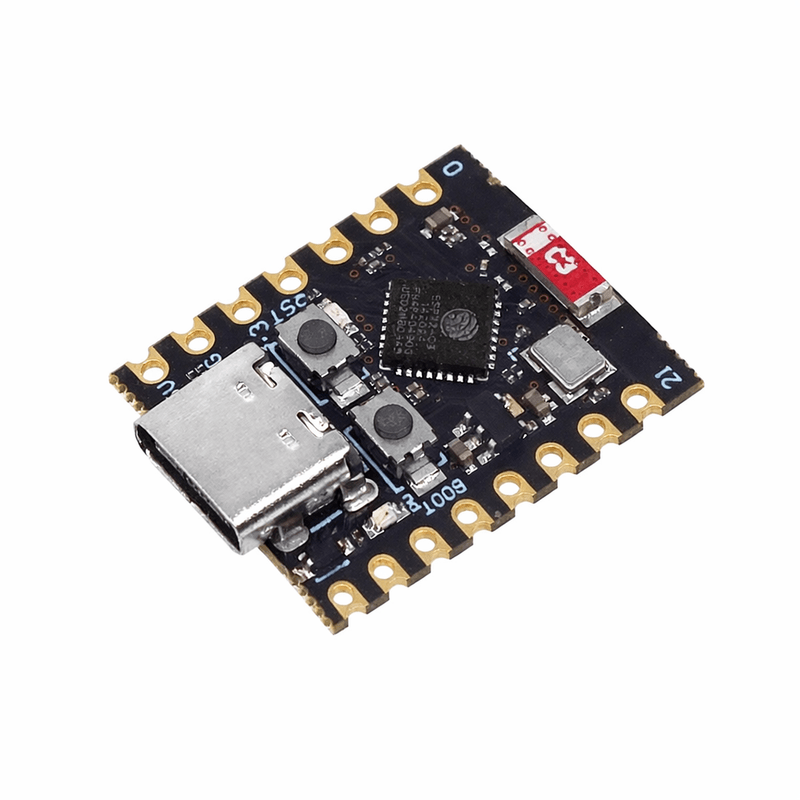
These are the two boards most people choose between, and the usual advice, that the ESP32 is simply better, is not quite true. They are good at different things.
The short answer
Buy an Arduino Uno if you are learning, or if the project does not need to talk to a network. Buy an ESP32 if the project needs WiFi or Bluetooth, or if it needs real processing power. If you cannot decide, buy the Uno first: it is more forgiving, and the concepts transfer completely.
Processing and memory
The Uno runs an ATmega328P at 16MHz with 2KB of RAM and 32KB of storage. That sounds tiny, and it is, but it is enough to read sensors, drive motors and run a display, which covers most of what people build.
The ESP32 runs a dual-core processor at up to 240MHz with around 520KB of RAM and typically 4MB of flash. It is not slightly faster, it is in a different class, and it can do things the Uno simply cannot, such as serving a web page or processing audio.
Connectivity
This is the real dividing line. The ESP32 has WiFi and Bluetooth built into the chip. The Uno has neither, and adding them means buying a separate module and wiring it up.
If your project involves a phone app, a dashboard, sending data to the internet, or being controlled remotely, the ESP32 saves you money and effort even though it costs a little more, because the alternative is a Uno plus a WiFi module.
Voltage: the trap
The Uno runs at 5V. The ESP32 runs at 3.3V, and its pins are not tolerant of 5V.
This matters more than beginners expect. A great many common sensors and modules output 5V logic. Connect one of those directly to an ESP32 input and you can damage the pin. You need to check each part, and sometimes add a level shifter or a voltage divider.
On a 5V Uno most parts connect directly and work. That single fact is why the Uno remains the better first board even though it is slower and older.
Pins and power
The ESP32 gives you more GPIO pins and more analogue inputs, and its analogue-to-digital converter has higher resolution, though it is noticeably less linear than the Uno's, which surprises people doing precise measurement.
For battery projects the ESP32 has genuine deep-sleep modes that drop it to microamps, letting a sensor node run for months. The Uno has sleep modes too but they are cruder and the board wastes power in its regulator and status LEDs.
Which for a final-year project?
If it involves IoT, remote monitoring, a web dashboard or a mobile app, use the ESP32, because those requirements are exactly what it exists for. If it is control, robotics or instrumentation with no network, the Uno keeps the wiring simpler and gives you fewer things to debug the night before your presentation.
We stock both at our Nairobi CBD shop. If you tell us what the project has to do, we will tell you which one it actually needs.
// Same task on both boards: read an analogue sensor and print it.
// Uno: 10-bit ADC (0-1023) referenced to 5V.
// ESP32: 12-bit ADC (0-4095) referenced to 3.3V.

const int SENSOR_PIN = A0;      // on ESP32 use e.g. 34

void setup() {
  Serial.begin(9600);
}

void loop() {
  int raw = analogRead(SENSOR_PIN);

#if defined(ESP32)
  float volts = raw * (3.3 / 4095.0);
#else
  float volts = raw * (5.0 / 1023.0);
#endif

  Serial.print(raw);
  Serial.print("  =  ");
  Serial.print(volts, 3);
  Serial.println(" V");
  delay(500);
}Browse our full catalog of Arduino boards, sensors and components.
Reviews
★★★★☆ 4.0 average from 1 review
Very helpful!
19 Sept 2026More tutorials
 Beginner
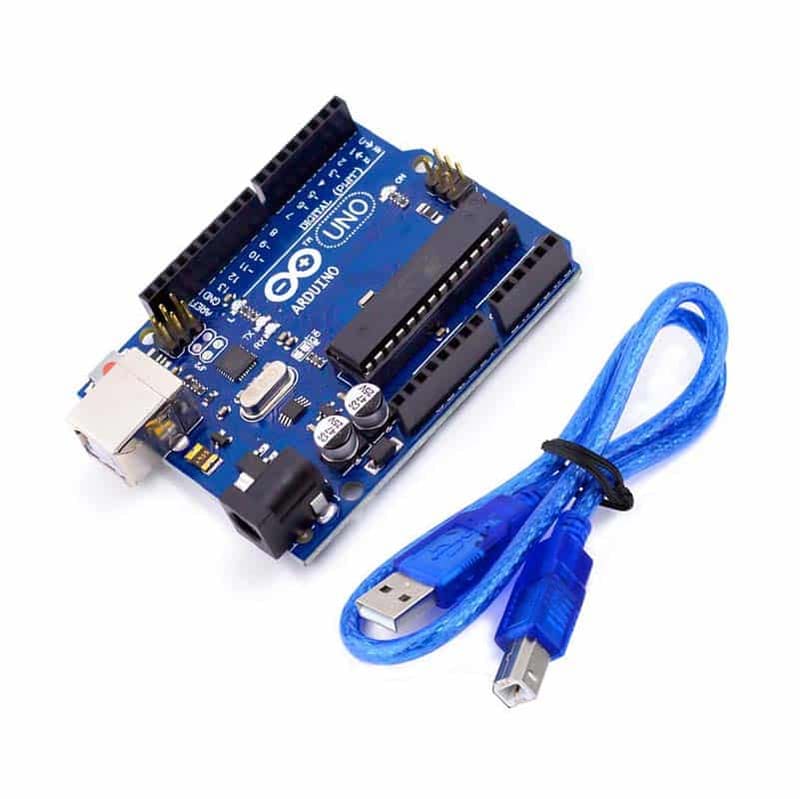
 The classic first Arduino project — blink an LED on and off.
 Beginner
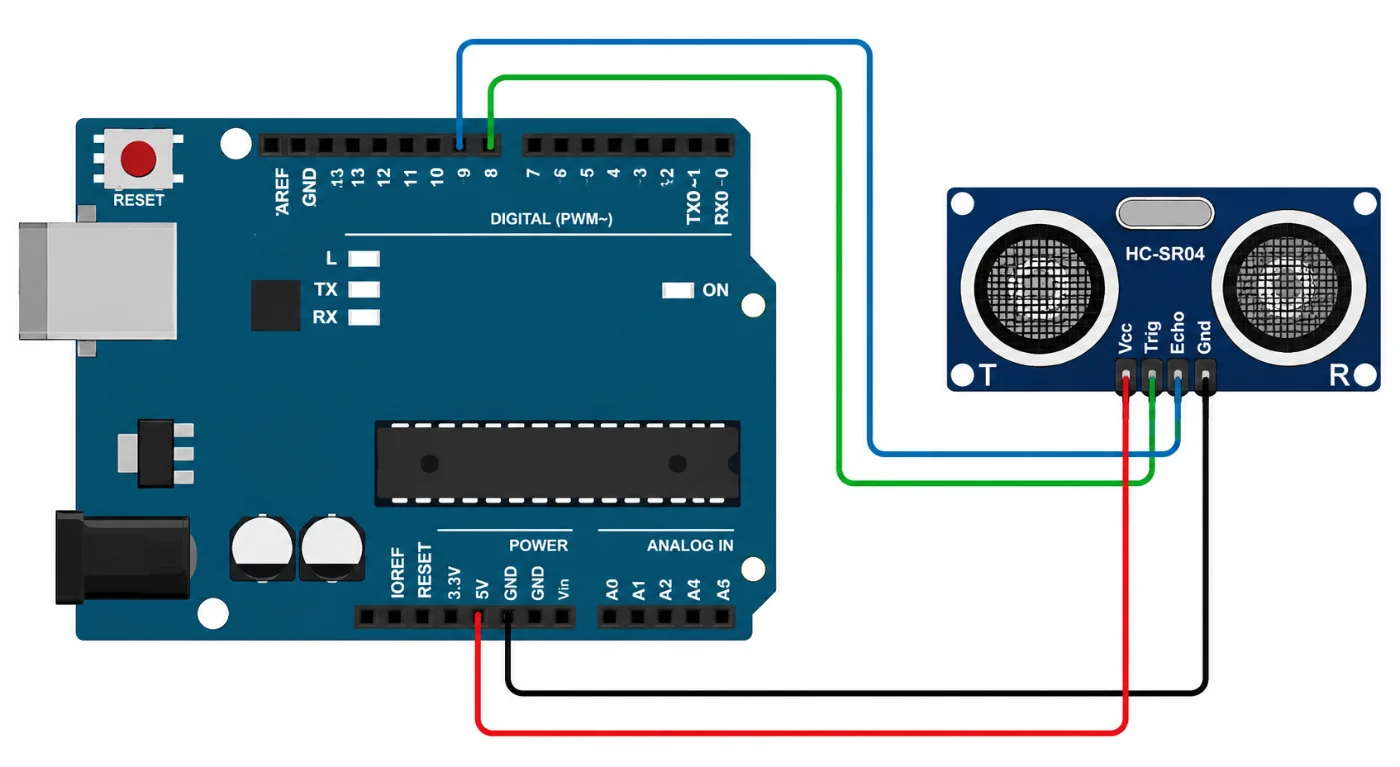
 The HC-SR04 is one of the most commonly used ultrasonic sensors with Arduino. It is designed for non-contact distance measurement and is frequently used in robotics, automation, and other electronics projects. This guide explains how to connect the HC-SR04 to an Arduino and create a simple program for measuring distance. Requirements Arduino Uno or a compatible Arduino board HC-SR04 ultrasonic distance sensor
 Beginner
 What an Arduino actually is, which board to buy first, the handful of parts worth owning from day one, and the projects to build in your first month.