
How to Use the HC-SR04 Ultrasonic Sensor with Arduino
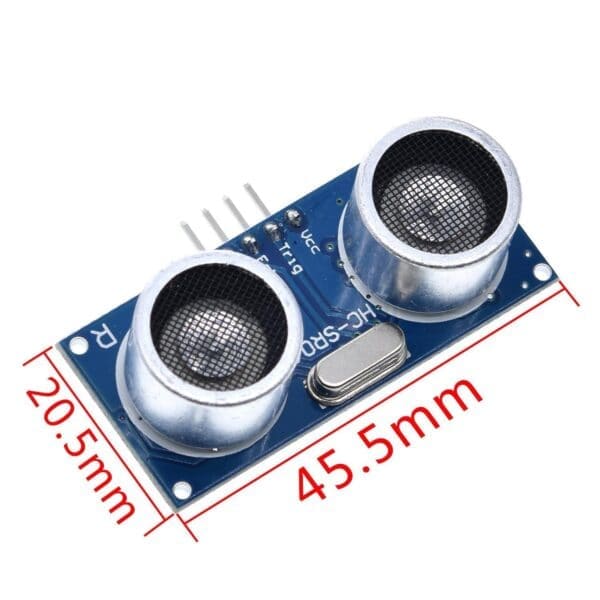
The HC-SR04 measures distance the way a bat does. It emits a burst of ultrasound, waits for the echo to come back, and tells you how long that took. You convert that time into a distance. It reads roughly 2cm to 400cm and costs very little, which is why it appears in so many first projects.
Wiring
The module has four pins. VCC goes to 5V and GND goes to GND. Trig is the pin you pulse to start a measurement, and Echo is the pin that reports the result. Connect Trig to digital pin 9 and Echo to digital pin 10, or change the numbers in the sketch to match your wiring.
A note if you are using an ESP32 or any 3.3V board: the Echo pin outputs 5V, which is above what a 3.3V input should see. Use a simple voltage divider with two resistors, or a level shifter. On a 5V Uno you can connect it directly.
How the timing works
To start a measurement you set Trig high for 10 microseconds and then low again. The module sends out eight pulses at 40kHz and raises the Echo pin. Echo then stays high for exactly as long as the sound took to travel out and back.
That is why the maths has a division by two. Sound travels at roughly 0.034 centimetres per microsecond, so multiplying the echo duration by 0.034 gives the total distance travelled, and the sound covered the gap twice: once going out, once coming back.
Getting a reading you can trust
A single reading is noisy. Soft surfaces such as cloth absorb the pulse and return nothing, and a surface at a sharp angle bounces the echo away from the sensor entirely, so you will occasionally get a wild number or a zero.
Take several readings and use the median rather than the average, because the median ignores an outlier completely while an average is dragged by it. Leave at least 60 milliseconds between measurements so the previous echo has died away, otherwise you pick up the tail of the last pulse and get a reading that is too short.
Also add a timeout. The version of pulseIn used below gives up after 30 milliseconds, which corresponds to roughly five metres. Without a timeout, a missing echo makes your program wait far longer than it should and the whole loop stutters.
What to build with it
A parking sensor that beeps faster as you get closer. A tank level monitor pointed down at the water. A radar that sweeps a servo and plots what it finds. All of them are this sketch plus one more component.
// HC-SR04 distance in centimetres, with median filtering.
const int TRIG_PIN = 9;
const int ECHO_PIN = 10;

void setup() {
  Serial.begin(9600);
  pinMode(TRIG_PIN, OUTPUT);
  pinMode(ECHO_PIN, INPUT);
}

// One raw measurement. Returns -1 when no echo comes back.
long readOnce() {
  digitalWrite(TRIG_PIN, LOW);
  delayMicroseconds(2);
  digitalWrite(TRIG_PIN, HIGH);
  delayMicroseconds(10);
  digitalWrite(TRIG_PIN, LOW);

  // 30ms timeout is about 5 metres. Without it a missing echo stalls the loop.
  long duration = pulseIn(ECHO_PIN, HIGH, 30000);
  if (duration == 0) return -1;

  // 0.034 cm/us, halved because the sound makes the trip twice.
  return duration * 0.034 / 2;
}

// Median of 5 ignores a single wild reading; an average would not.
long readDistance() {
  long v[5];
  int n = 0;
  for (int i = 0; i < 5; i++) {
    long d = readOnce();
    if (d > 0) v[n++] = d;
    delay(60);              // let the previous echo die away
  }
  if (n == 0) return -1;
  for (int i = 1; i < n; i++) {
    long k = v[i];
    int j = i - 1;
    while (j >= 0 && v[j] > k) { v[j + 1] = v[j]; j--; }
    v[j + 1] = k;
  }
  return v[n / 2];
}

void loop() {
  long cm = readDistance();
  if (cm < 0) {
    Serial.println("no echo");
  } else {
    Serial.print(cm);
    Serial.println(" cm");
  }
  delay(200);
}Browse our full catalog of Arduino boards, sensors and components.
Reviews
Be the first to review this guide.
More tutorials
 Intermediate
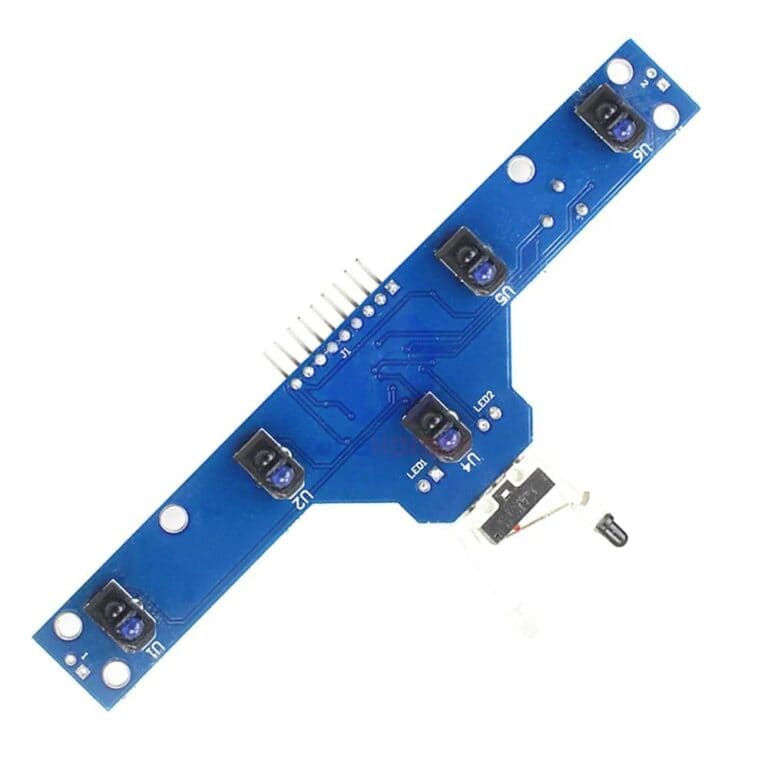
 Project ideas grouped by difficulty, with the parts each one needs and an honest note on where students usually get stuck.
 Beginner
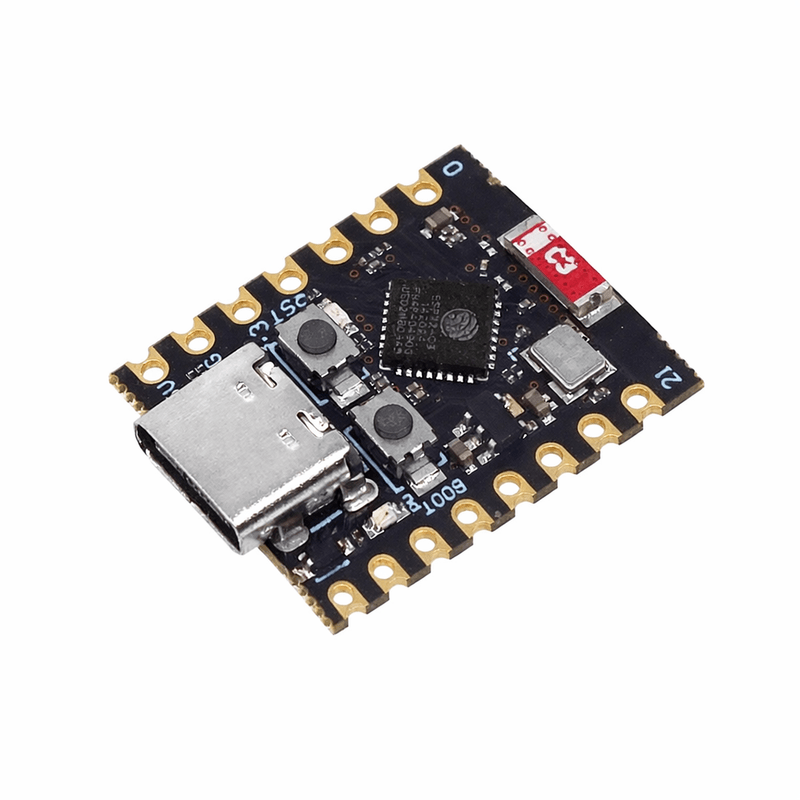
 An honest comparison of the two most common boards, and a clear rule for choosing between them.
 Beginner
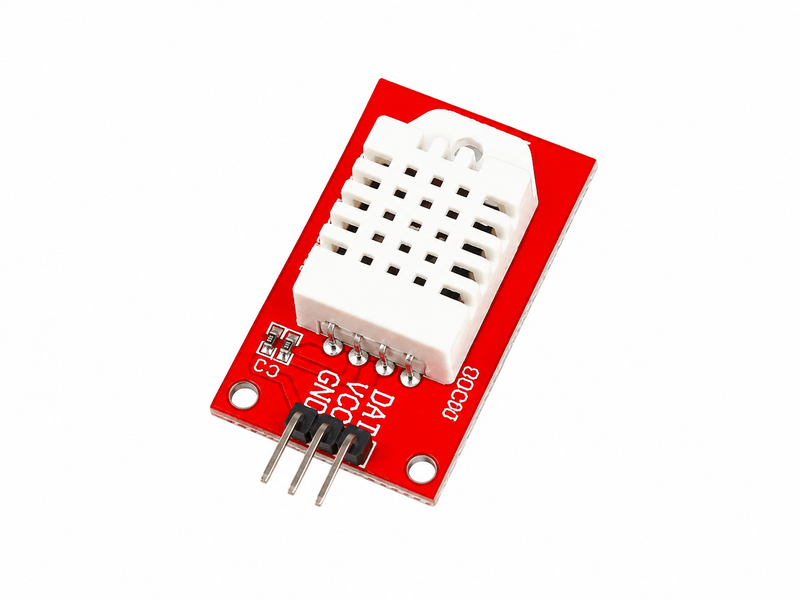
 Wire either sensor, choose between them honestly, and handle the failed readings that every DHT sensor produces.