
Blink an LED with Arduino Uno
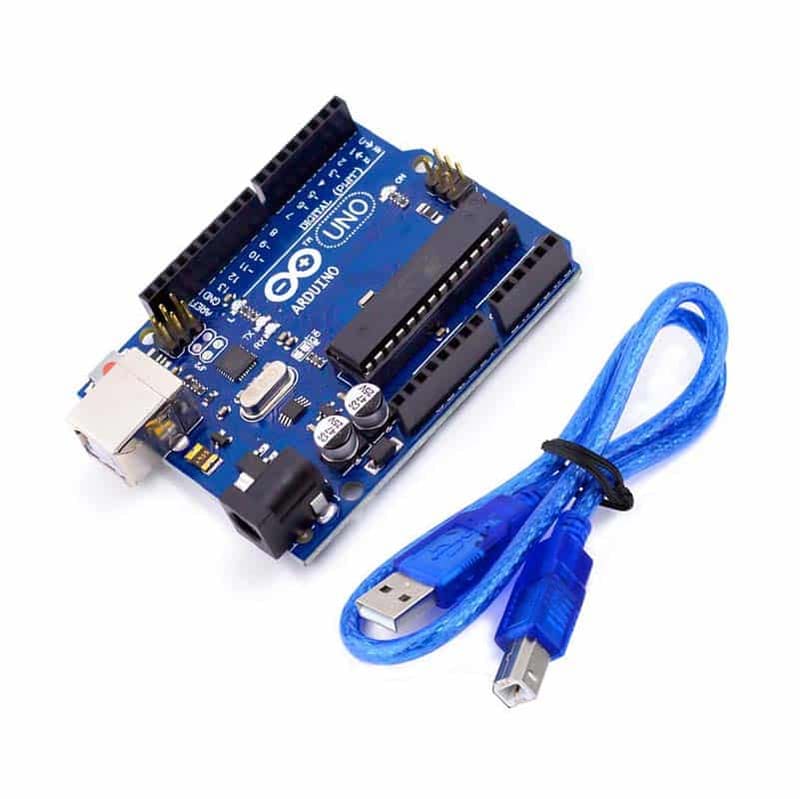
You'll need an Arduino Uno, an LED, a 220ohm resistor and two jumper wires.
Step 1: Connect the LED's long leg through the resistor to pin 13, and the short leg to GND.
Step 2: Upload the sketch below and watch it blink.
void setup() {
  pinMode(LED_BUILTIN, OUTPUT);
}

void loop() {
  digitalWrite(LED_BUILTIN, HIGH);
  delay(1000);
  digitalWrite(LED_BUILTIN, LOW);
  delay(1000);
}Browse our full catalog of Arduino boards, sensors and components.
Reviews
Be the first to review this guide.
More tutorials
 Beginner
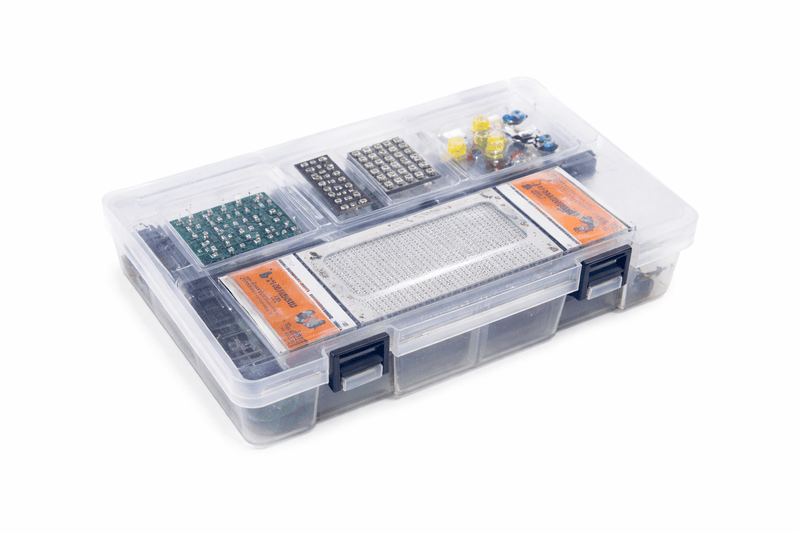
 What an Arduino actually is, which board to buy first, the handful of parts worth owning from day one, and the projects to build in your first month.
 Beginner
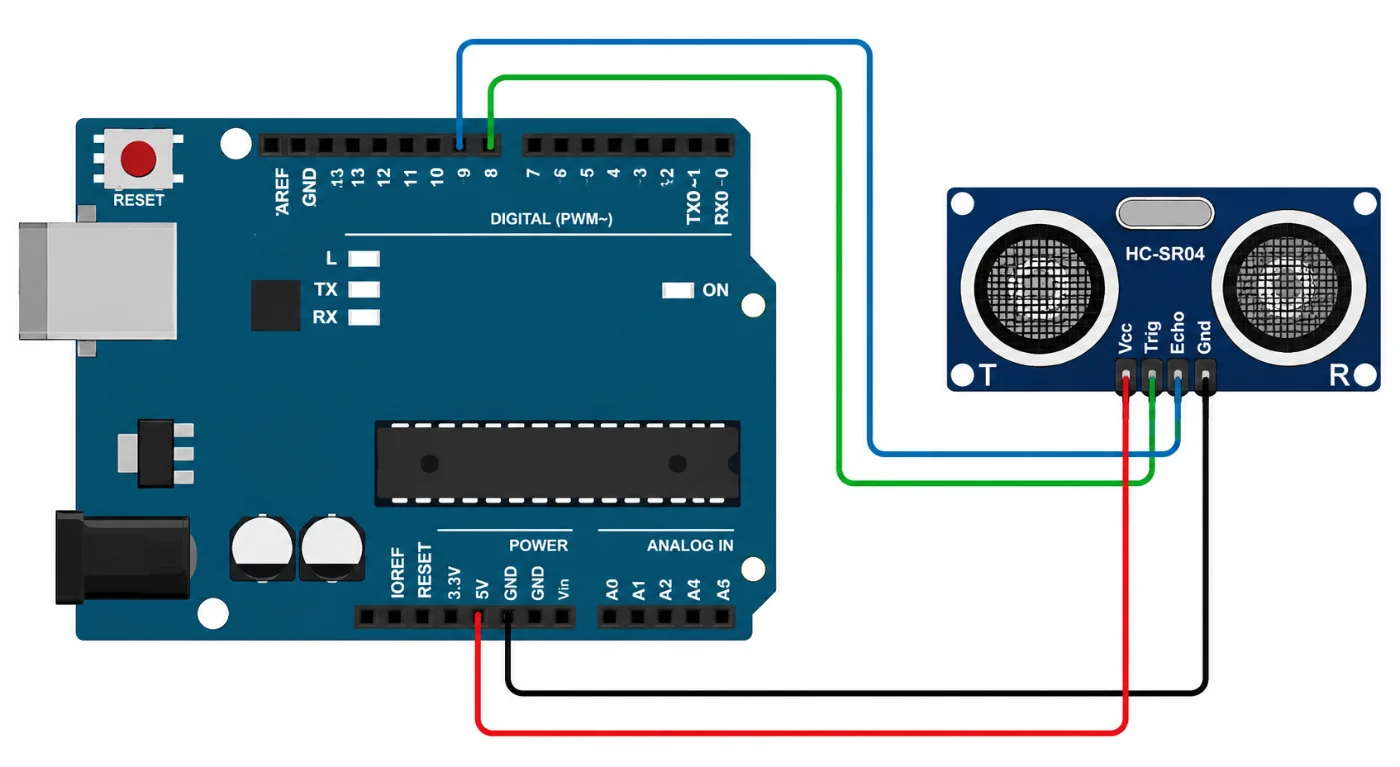
 The HC-SR04 is one of the most commonly used ultrasonic sensors with Arduino. It is designed for non-contact distance measurement and is frequently used in robotics, automation, and other electronics projects. This guide explains how to connect the HC-SR04 to an Arduino and create a simple program for measuring distance. Requirements Arduino Uno or a compatible Arduino board HC-SR04 ultrasonic distance sensor
 Beginner
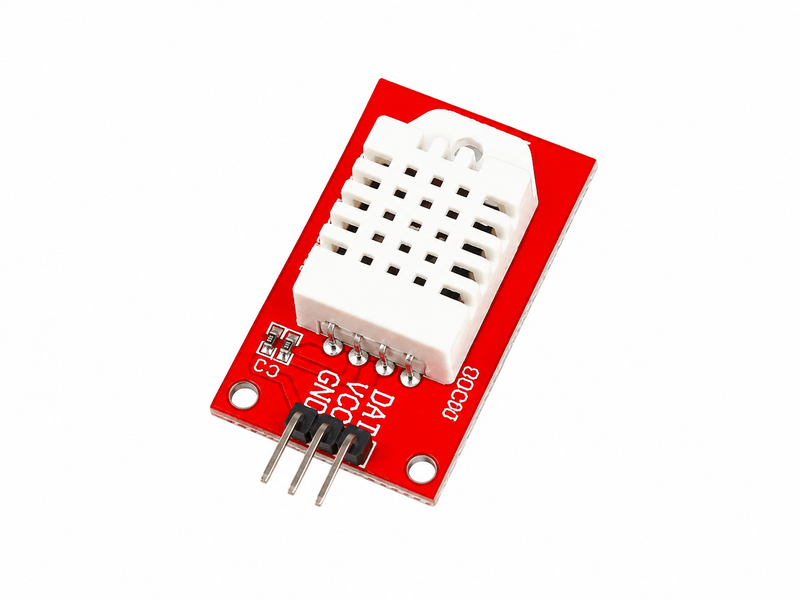
 Wire either sensor, choose between them honestly, and handle the failed readings that every DHT sensor produces.